
Browse docs
Campers and Mobile Labs
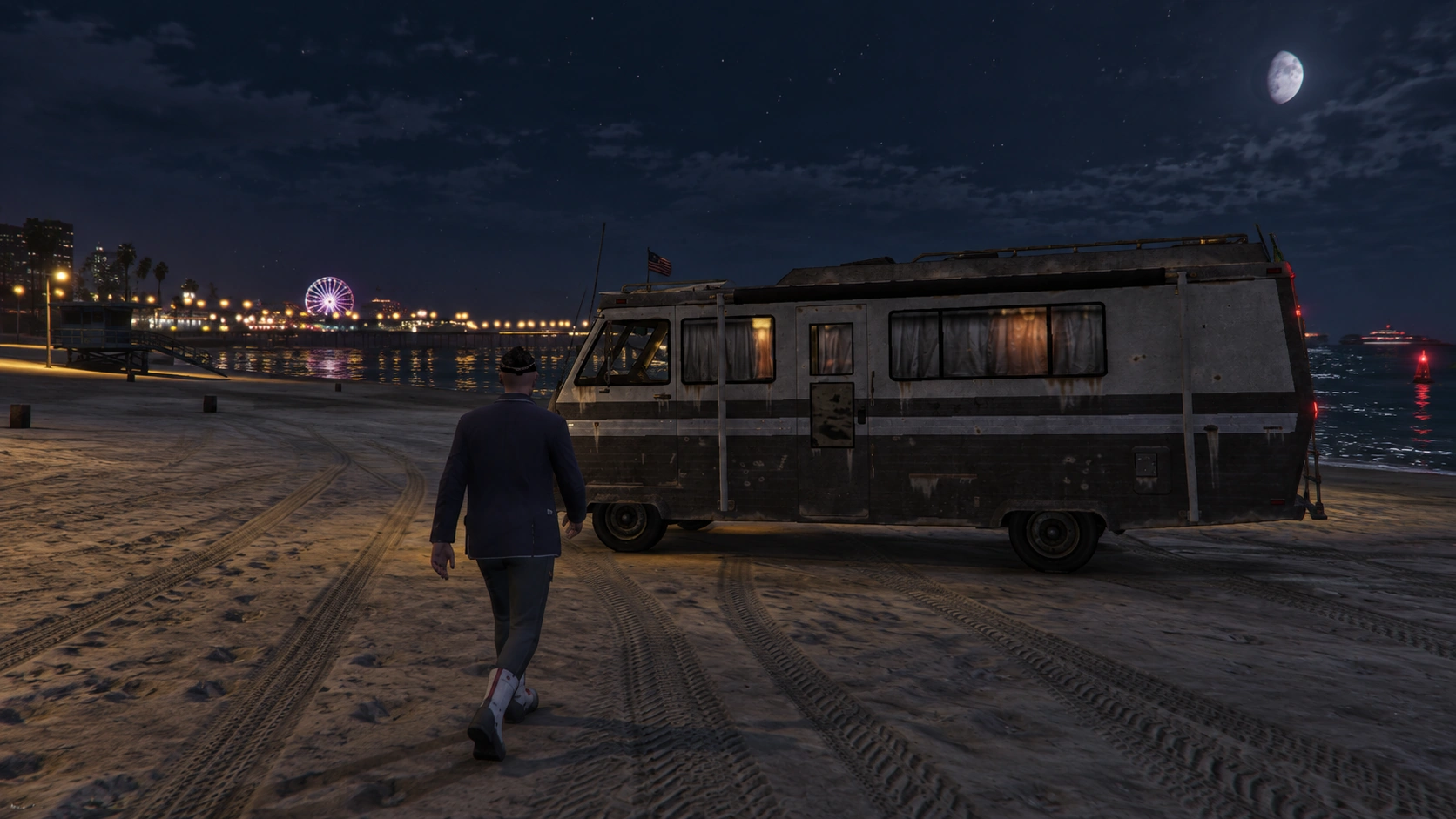
An owned camper combines a registered vehicle, conversion state, fixed interior workstation, storage and finances. Spawning the same model does not create that ownership record.
How mobile labs work
Players buy a drug camper, convert it, install equipment, and produce goods while parked.
A camper spawned by another script is not automatically a drug lab. Use the camper shop.
Set up the camper shop
In /drugcreator, open Processing → Campers for the vehicle, then Market → Camper shops for its sale location.
The camper entry defines the vehicle and its mobile-lab limits. The shop sets the listing, price, and delivery point.
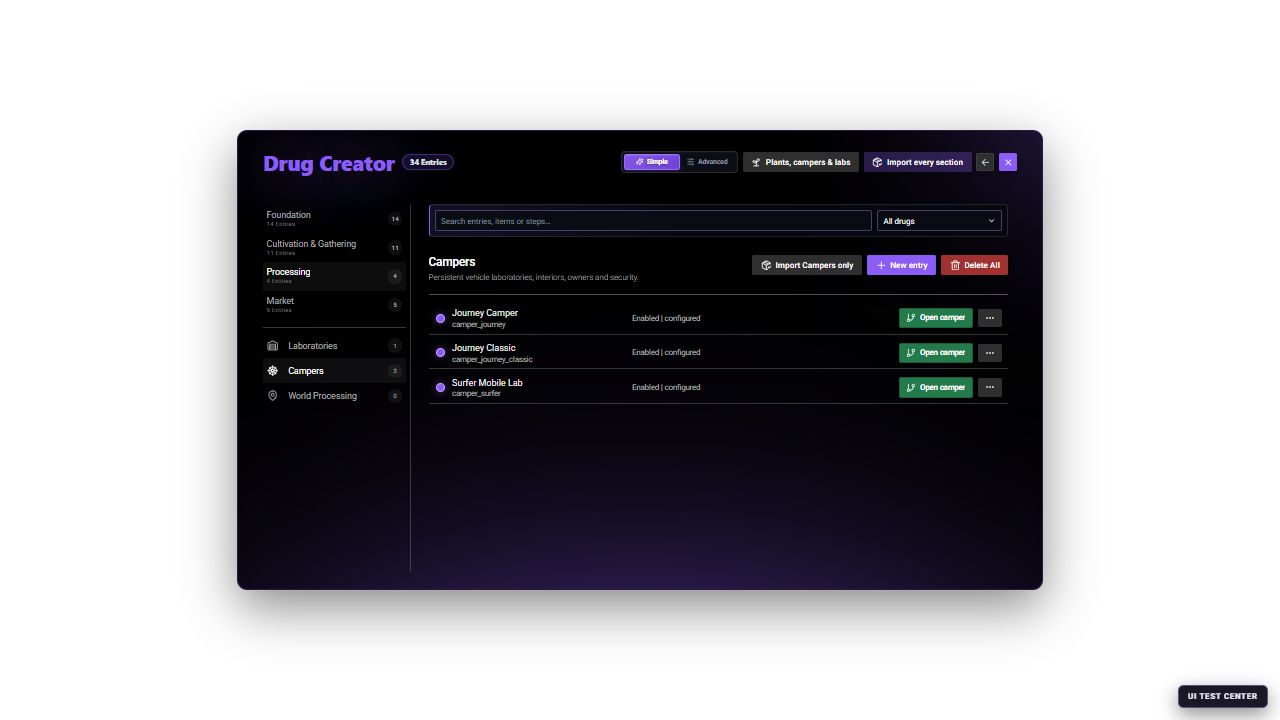
The Camper catalog shows every saved vehicle-lab definition. Open Camper to change its vehicle, limits, power, security and ownership rules.
For a first setup, keep the supplied Journey Camper (camper_journey) and its fixed Drug Wars Lab interior.
Verify the camper definition
Open Journey Camper. Check Vehicle, Interior, Capacity, Power, and Ownership and economy, then save any changes.
Place the shop and delivery area
Open camper_shop_docks. Under Positions, choose a reachable shop and a clear vehicle delivery area. The delivery point needs enough space for the configured camper model and must not overlap traffic or another interaction.
Configure the offer
Under Vehicle offers, select the camper definition, set its price and payment method, optional vehicle image, and personal or faction purchase rules. A shop can expose more than one camper offer.
Complete a purchase
Save and reopen the shop. Buy the camper as a normal player and confirm it appears at the delivery point.
The fresh default import supplies camper_shop_docks. Additional Sandy Shores or Paleto shops can exist in a larger catalog or on an already configured server, but they are not part of the fresh default allowlist. Each saved listing can have a different price, so check the actual shop offer when a camper's sale price differs from its definition.
Build a camper definition correctly
The camper definition is more than a vehicle model.
| Editor section | Configure |
|---|---|
| General | Stable ID, display name and enabled state |
| Vehicle | Model, image URL, plate prefix, maximum vehicles and occupants, entry door/distance, engine and parking requirements, restart restoration |
| Interior | Fixed Drug Wars Lab interior and configurable facility tier |
| Access and robbery | Lock, lockpick, breach and robbery rules |
| Capacity | Equipment slots, storage shelves, storage tier and equipment tier |
| Power | Legal or illegal power configuration and capacity |
| Ownership and economy | Purchase price, accounts, resale percentage, private and faction purchase |
drug_wars_lab; the Interior section only exposes the facility tier. Interior Templates belong to fixed Laboratories.Create a new mobile laboratory
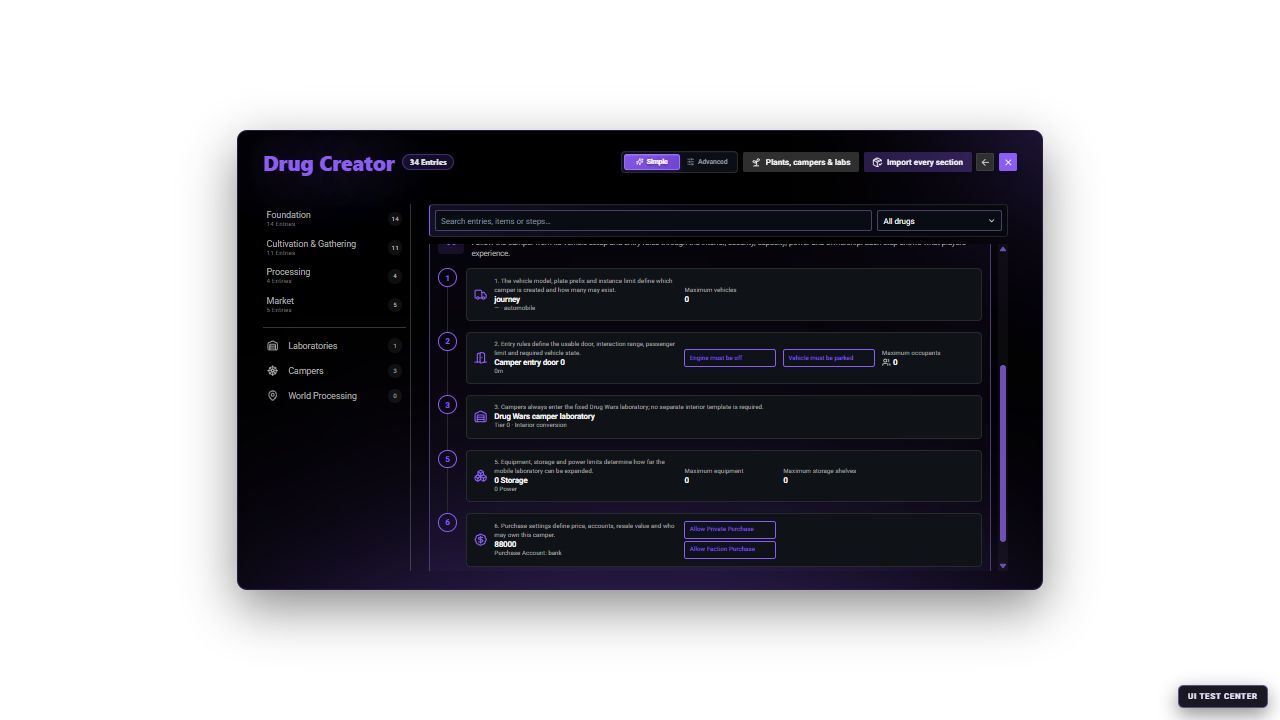
The Simple editor explains the complete mobile-lab flow and explicitly identifies the fixed Drug Wars laboratory. Switch to Advanced only for the exact access, robbery, capacity, power and economy values.
Create the camper
Open Processing → Campers → New entry. Set the vehicle model and entry requirements, then choose a tier appropriate for the intended equipment. The fixed Drug Wars Lab interior is shown for reference and cannot be changed in this editor.
Define capacity and power
Set equipment and storage limits. Confirm the camper can power every machine needed by its intended recipes; required watts and equipment tier still apply inside a vehicle.
Configure ownership and security
Choose personal/faction purchase, payment and treasury accounts, resale, locks, break-in behavior and robbery limits. Keep Simple mode for the standard flow; use Advanced for exact security and illegal-power behavior.
Add it to a shop
Create or edit a Camper Shop, place the shop and delivery points, and add the saved camper as a vehicle offer with its price and payment method.
Test the owned vehicle
Buy it as a normal player. Verify spawned model, plate and keys, entry conditions, conversion, storage, installed equipment, production and restart restoration.
What players need after purchase
Players must park the supplied Journey and switch off its engine before entering.
Conversion is required by default. After entering, players open the laboratory manager (/druglab by default), fund its treasury, and complete the power, storage, ventilation, concealment, and workstation stages.
The conversion prepares the camper for laboratory use. Players still need to buy and install the actual equipment, storage, and supplies.
Make those items obtainable before opening camper sales.
Choose suitable recipes
Campers have limits on equipment, storage, and available installation places. The supplied Journey supports equipment up to tier 2 and starts with limited space.
Check Processing → Campers → Capacity and limits and compare those limits with every machine needed by your recipe. A larger-looking interior does not automatically allow stronger equipment.
Because the camper interior is fixed, balance mobile laboratories through tier, equipment slots, storage and power. Test entry, exit and equipment placement after changing those limits.
For the general production setup, see Laboratories and Production.
Ownership and security
Test locking and entry with the owner and another player. Decide which members should have access to the lab and stock.
Break-ins, theft, and security upgrades are part of the camper system. Review those options before deciding the purchase price. Players may also need money for conversion, equipment, maintenance, and protection.
The supplied break-in tools include lockpick and advanced_lockpick. Make them available only through the gameplay sources you intend to offer.
Complete a camper test
Before opening sales, test one complete journey:
Purchase and collect
Buy the camper and confirm ownership, keys, and delivery.
Enter the interior
Park, switch off the engine, unlock the vehicle, and enter.
Complete conversion
Fund the treasury and finish the required conversion stages.
Produce one recipe
Install compatible equipment, supply the storage, and finish production.
Move and persist
Move the camper, park and re-enter, then verify stored stock after a planned restart.
Also check your vehicle-key and garage setup if those systems interact with the camper.
Keep the saved camper data when updating the resource so players retain their vehicles and laboratories.