
Browse docs
Overview
Job Creator is an in-game administration tool built on Sky Base and Jobs Base, with ESX, QBCore and Qbox adapters. Create a job, work through its settings in the sidebar and choose the shared tools its employees need.
Private beta: the product and purchase flow require an approved Discord beta account. This documentation is public. Development is ongoing; check the current package and test configured workflows on a backed-up staging server.
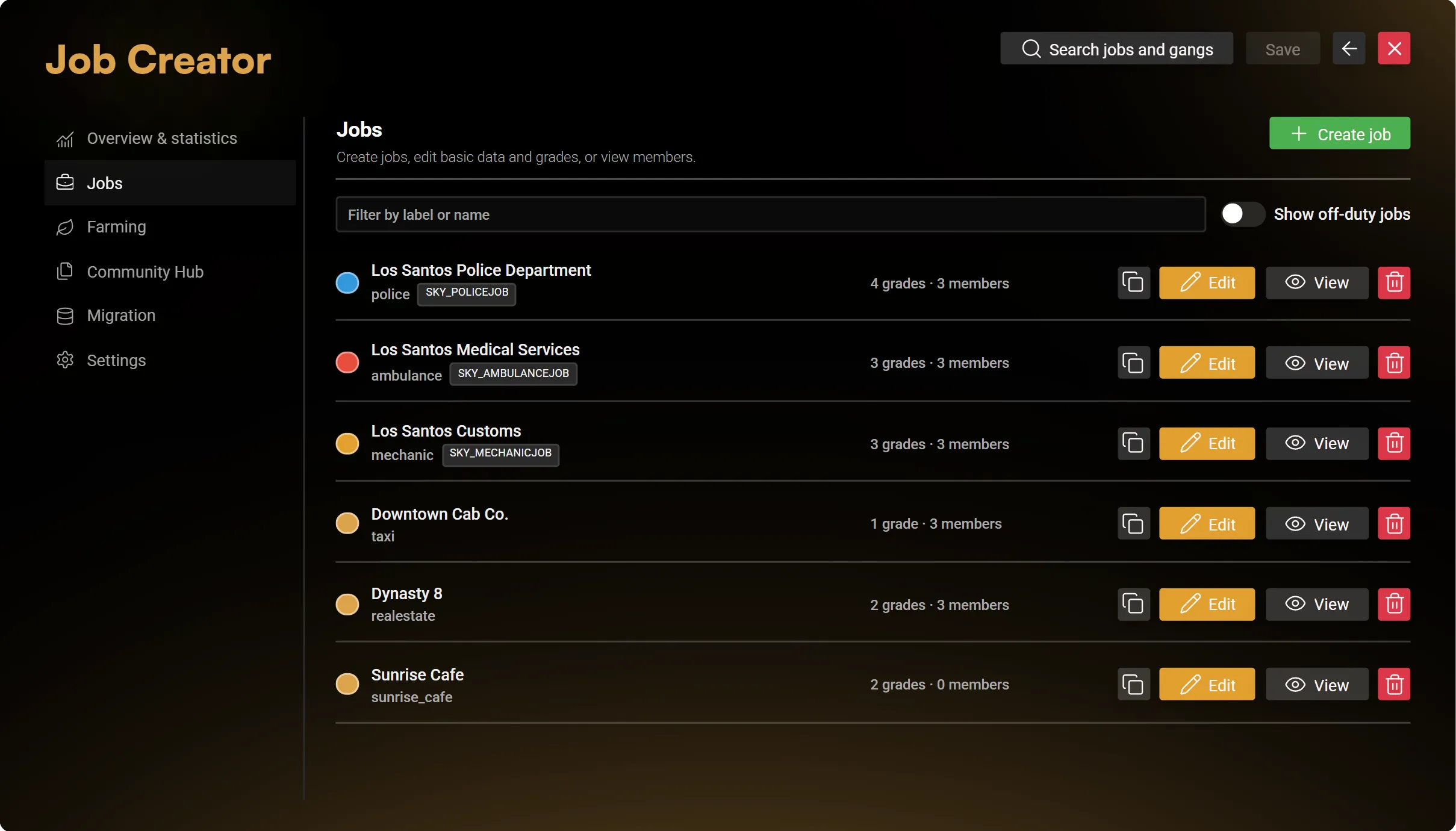
All interface pictures in this guide use demonstration data. They illustrate the editor, not a populated customer server.
What you can configure
| Area | Current scope |
|---|---|
| Jobs and grades | Create and edit jobs, manage ranks and salaries, inspect members, duplicate, archive and restore |
| Framework gangs | A separate gang catalog on QBCore and Qbox |
| Workplaces | Locations, garages, fleet entries, storage, lockers, wardrobes and wholesale supplies |
| Duty and multi-job | Duty terminals, supported off-duty settings and the shared player job-selection menu |
| Public forms and interactions | Applications, complaints, optional player actions and shared radial access |
| Boss Menu | Recruitment, member actions, roles, permissions, units, finances, bonuses, logs and service IDs |
| Billing and payroll | Invoices, payment deadlines, instalments, automatic collection, employee shares and salary settings |
| Tablet | Shared work apps, app restrictions, themes and supported external tablet integration |
| Business | Open/closed status, Business Announcements, promotions, events and history |
| Ringbell and ordering | Staff requests at reception bells and optional employee supply ordering |
| Documents | A flat job-owned document list, templates and printers, with compatible inventory items |
| Farming | Global gathering, processing and selling spots, public or assigned to a job |
| Community Hub | Reviewed Jobs and Farming configurations, previews and local JSON transfer |
| Migration | Detect a supported Jaksam source, run the supported core import and review the migration log |
| Overview | Membership and online-character counts plus recorded Sky invoice totals |
The editor reuses the registered configuration of each job's owner. Installed specialised Sky jobs expose their own configuration; creating a generic job does not include their specialised police, medical, mechanic, fire or justice gameplay.
Generic Creator jobs exclude training, dispatch, radio/FMS, dispatch-linked tracking, panic alerts and cross-job document sharing. Gangs also exclude billing and printers.
Start here
- Read Installation for dependencies, framework hooks and permissions.
- Create a small test job using Job configuration.
- Add a Farming route independently of that job if you need public activities.
- Use the Community Hub to preview, share or transfer a configuration.
- Read Migration before importing an existing setup.
- Use API Overview for resource exports, shared gameplay APIs and administrator integration boundaries.
For the employee-facing scope and demonstration pictures, see Shared Jobs Base features: duty, multi-job, storage, cloakroom, garages, public forms, the Boss Menu, tablet, billing, payroll and business tools.
Changelog records the publication status. The beta listing does not imply a new numbered release.